
| Term | What it means |
|---|---|
| BMC | Baseboard Management Controller. The second computer itself, sitting on the motherboard of nearly every server sold. |
| iDRAC | Dell's BMC. Short for Integrated Dell Remote Access Controller. |
| iLO | Hewlett Packard Enterprise's BMC. Short for Integrated Lights-Out. |
| IPMI | Intelligent Platform Management Interface. The protocol most BMCs speak, and loosely what people call the whole arrangement on everyone else's boards. |
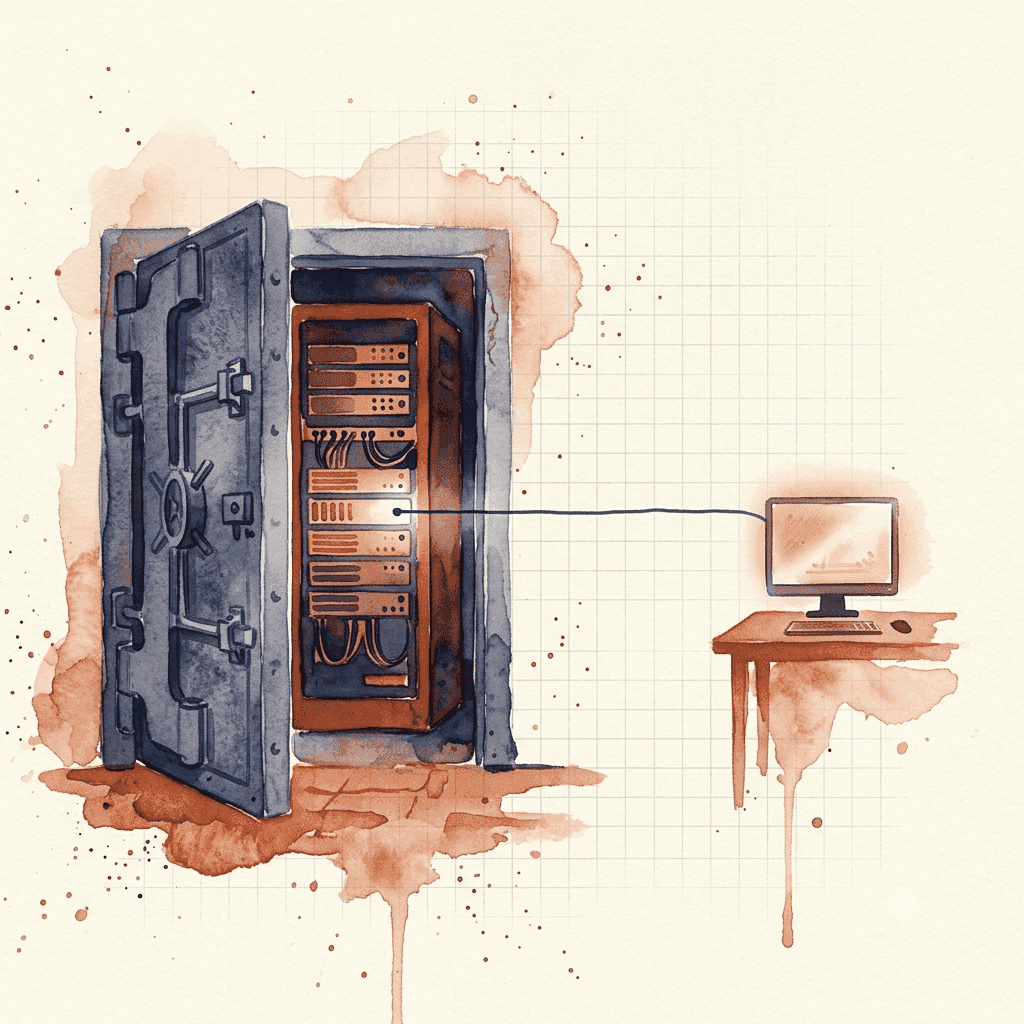
A server you can't walk up to
When a rail-mounted server in your own building stops answering, you can walk to it. Monitor on the video port, watch it boot, hold the power button until it gives in. Whatever's gone wrong, you can actually put your hands on it.
Now imagine that you moved that same server into a data centre. The same "not answering" failure would look identical from your desk: The session times out. The monitoring goes red. But now your machine is behind a data centre's physical security barriers. It might as well be completely out of reach. So how do you debug your server without being able to touch it?
Your server is two computers
A modern server isn't one computer. It's two.
The large one runs your operating system. The small one is a BMC: its own processor and network port on the same motherboard, running on standby power. It wakes whenever the machine is plugged in, whether or not the operating system is up, and it doesn't care that the big computer has panicked, been misconfigured, or never reached a bootloader.
Through that second computer you can watch the machine boot, mount an installer image from your laptop, read fan speeds and inlet temperatures, and hold the power button down. That's out-of-band management: it reaches the server without going through the software running on it. SSH and remote desktop are in-band, so when the operating system goes, they go with it. The BMC's line survives a kernel panic, a bad update, and the firewall rule that locks you out of your own machine.
What it can't do is swap a part. That's what remote hands are for, meaning provider staff acting as your hands on the floor, billed by time, and outside business hours usually quoted on request and best-effort rather than guaranteed.
A machine with no BMC has none of this. One prospect came to us with a tower workstation that couldn't be rail-mounted at all. We could have put it on a shelf, but nothing could give it a second computer, so every fault would have meant a booked visit.
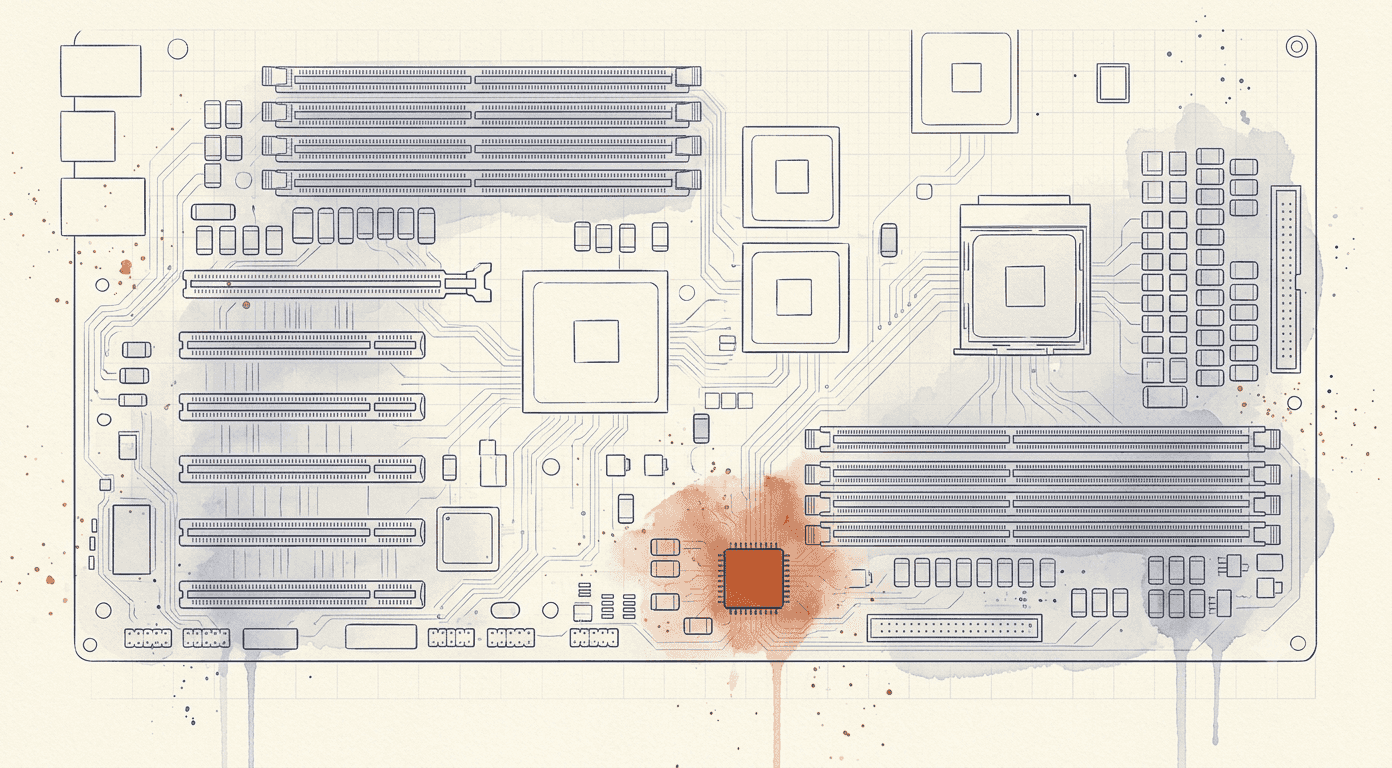
The dangerous part
Everything that makes the BMC useful makes it worth attacking. It can cut power, mount arbitrary media, watch the console and rewrite firmware, and it does all that underneath the operating system, where your security tooling can't see it. A BMC facing the public internet is an administrative back door with a login prompt.
IPMI 2.0, the revision of the protocol published in 2004, has a hole in its authentication: a controller speaking it will hand password-derived material to anyone who asks, before they've logged in. No vendor's firmware caused that and no vendor's patch closes it. In 2013 the security researcher Dan Farmer published a study of IPMI called Freight Train to Hell, and the flaw was catalogued as a vulnerability the same year.
Side note: IPMI has a designated successor. Redfish was published in 2015 (opens in new tab) as the modern replacement, and newer controllers speak it. It has not displaced the old name, though: plenty of hardware still answers IPMI, and it is still what people type into a search box, which is why this article uses the older terms throughout.
Thirteen years later, the security firm Lava scanned the public internet for these controllers in May 2026 and published the count (opens in new tab): 36,872 answered. Two in every three handed over the hash. About a third of what Lava captured fell to public wordlists or predictable factory formats, and HPE factory passwords took a graphics card about a minute.
Newer hardware hasn't retired the problem either. In 2021 Iranian researchers at Amnpardaz documented iLOBleed (opens in new tab), the first malware found living inside iLO firmware in the wild. It wiped the machine's disks, then wiped them again at intervals (opens in new tab), so rebuilding the server only reset the clock. It faked its own firmware updates, reporting the new version number while installing nothing. Reinstalling the operating system didn't touch it, because it lived underneath. Four years later an authentication bypass in AMI's MegaRAC firmware, which ships inside servers from a long list of brands, became the first BMC flaw (opens in new tab) CISA added to its catalogue of vulnerabilities known to be under attack.
The official guidance is what you'd expect. In June 2023 the NSA and CISA published joint guidance on hardening BMCs (PDF) (opens in new tab): keep them on an isolated management network, and limit or block their route to the internet. CISA's binding directive on exposed management interfaces (opens in new tab) names iDRAC and iLO specifically, though it binds US federal agencies and nobody else.
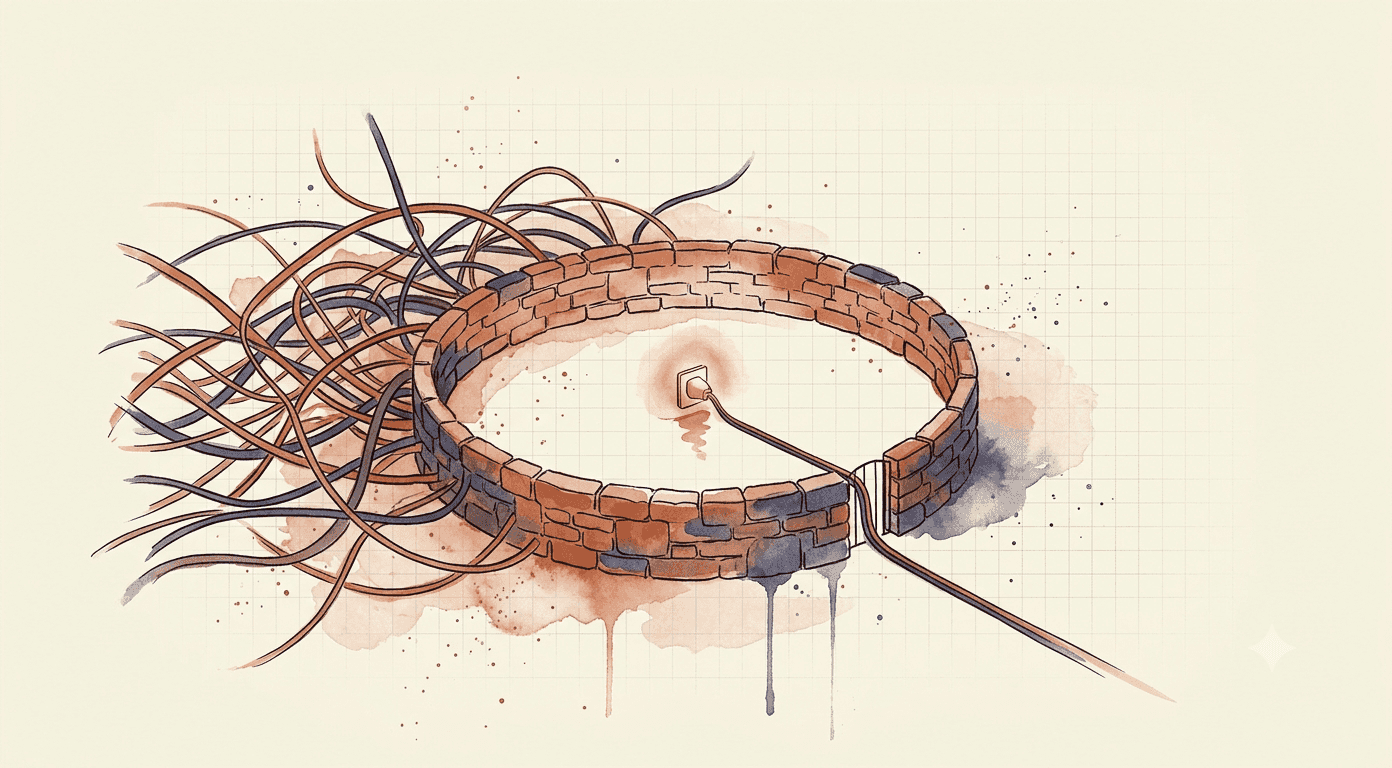
Your BMC needs somewhere to live that isn't the open internet. The usual answers are a dedicated management VLAN, a VPN, or your own small router or firewall in the rack with the BMC behind it. Whatever your provider offers, settle it when you order, because retrofitting it means someone standing at the rack.
Before the server leaves your office
- Update the BMC firmware.
- Replace the factory credentials with a strong, unique password, and give each person who needs access their own account if the controller supports it.
- Check whether the remote console is licensed. Owning a server with iDRAC doesn't mean owning its console: Dell's licensing guide (PDF) (opens in new tab) puts the virtual console in the upper tiers, sold as upgrades, and the tier that ships in the box doesn't include it. Other vendors tier their features differently, so read the table for yours.
- Build the management path you agreed with your provider, and confirm the BMC answers on that path and nowhere else.
- Test all of it from a laptop on a different network: open the console, mount an image, cycle the power.
Until you've done that last one from outside your own building, the management port is a line on a spec sheet.
Then put a recurring reminder in the calendar to open the console while the server is healthy. A management path that broke six weeks ago looks exactly like a healthy one nobody has opened lately.
Four questions for any colocation provider
- What are your access hours, how much notice do you need before a visit, and does either change with the size of the space I take?
- If my server fails outside business hours, how do I report it, and what happens after I do?
- What does remote hands cover, how is it billed, and is it guaranteed or best-effort outside business hours?
- Is there a secure way to reach my server's BMC, such as a management VLAN, a VPN, or my own firewall in the rack?
How this works at Rackmill
We're Rackmill, a Perth hosting company. Our colocation racks sit inside the Equinix PE2 data centre in Shenton Park, fifteen minutes from the Perth CBD, on redundant A and B power with climate control and the facility's physical security.
Every visit is escorted and needs 24 hours' notice, on every plan. Remote hands costs $75.00 per 15 minutes during business hours and $150.00 per 15 minutes outside them. Management access for your BMC is arranged at order time and priced separately, so it's worth raising when you order. You supply the rails, and we'll confirm the fit, the power and the rail type before you buy the hardware. Public addresses are assigned one at a time. We do not filter DDoS traffic or insure customer hardware; both are yours to arrange.
Our colocation plans run from 1RU to a full rack. For the decision that comes first, whether a rack is the right home for the server at all, start with office, cloud, or rack; bridging the missing middle covers what the contract leaves to you. If you'd sooner not own hardware, every Rackmill dedicated server comes with out-of-band management already configured.